

Where do I find my uploaded images and files?
In GoFlo you can easily find all your uploaded files and images through the built-in image and file manager. Think of it as the “My Documents” folder of your website, where every file in use is stored in a clear overview.
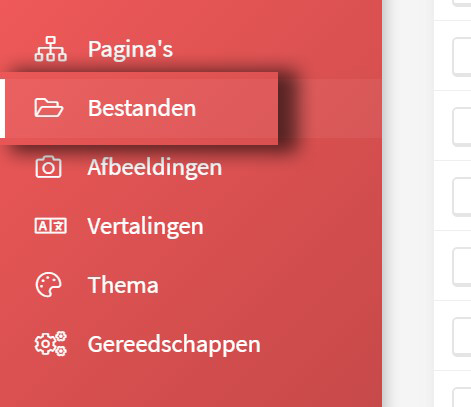
Important: not everyone has access to these modules automatically; specific permissions have to be set for that.
Handle files and images with care: if you change file names (internal paths), for example, images may no longer display correctly on the website. That can have a major impact on how your site works and looks. So make sure you know what you are doing, or contact our team if you are unsure.