

Setting up the Gmail app
Tap the Settings icon.
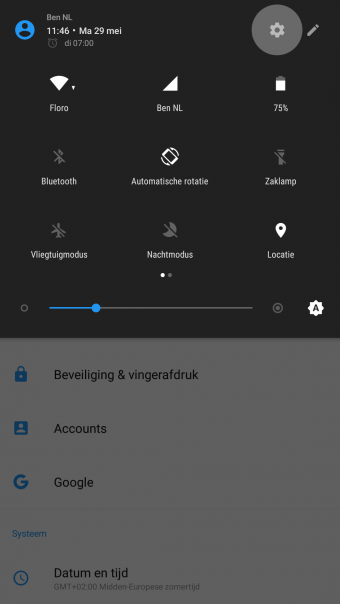
Or search for the Settings app.
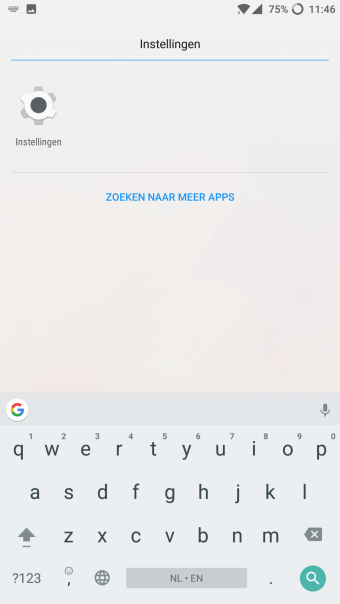
Step 2
Tap the Accounts button.
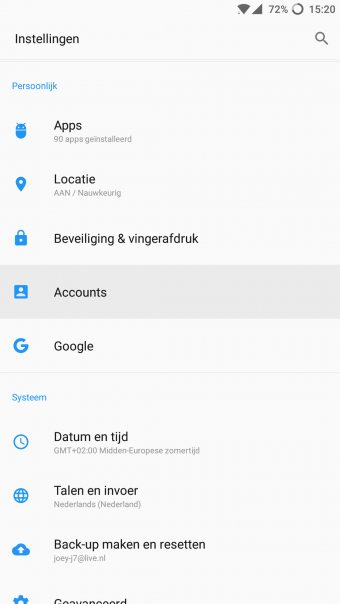
Step 3
1. Tap the Add account button 2. Then tap the Personal (IMAP) button 3. Then tap the Add an account button
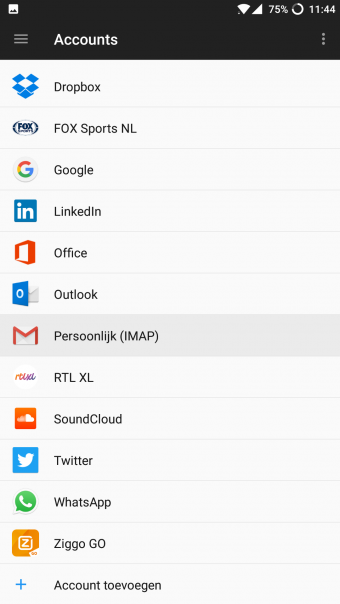
Step 4
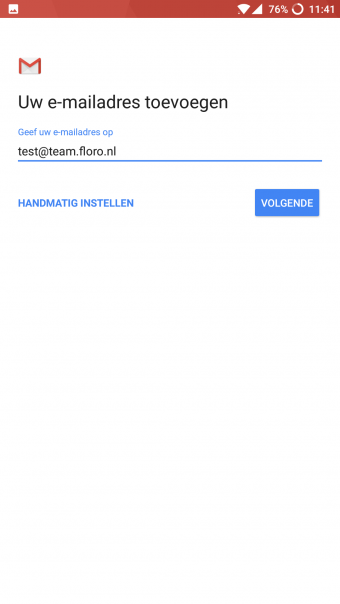
Enter your email address.
Step 5
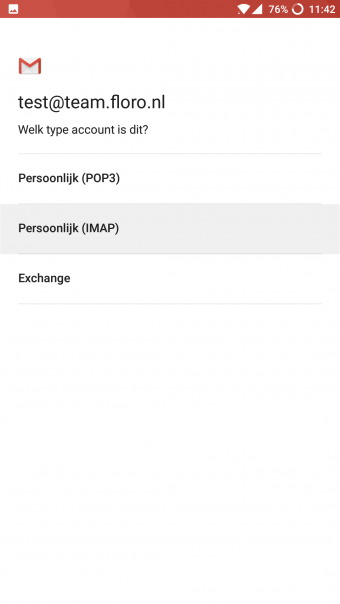
Tap the Personal (IMAP) button.
Step 6
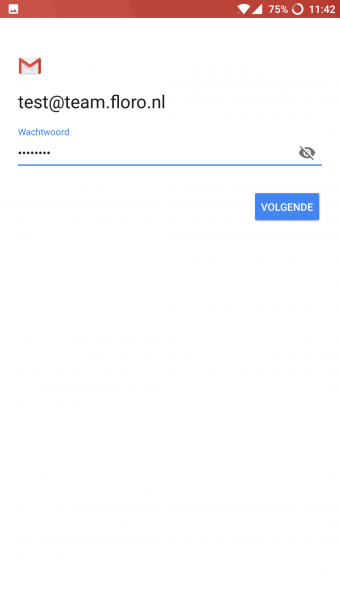
Fill in the following details here:
- Email address
- Password
Step 7
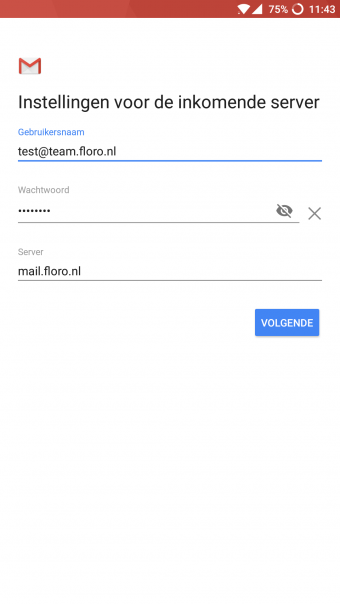
Fill in the following details:
- Email address
- Password
- Server (mail.digitalimpact.nl)
Step 8
Fill in the following details:
- Email address
- Password
- Server (mail.digitalimpact.nl)
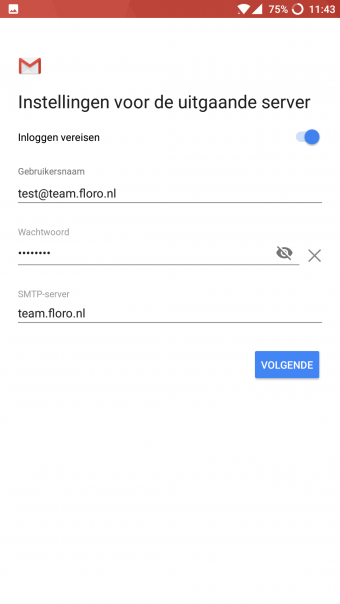
Step 9
Tick the following items here:
- Notify me when email arrives (optional)
- Sync email from this account
- Download attachments automatically (optional)
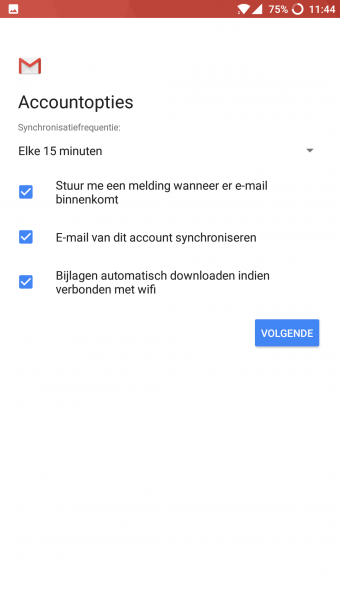
Step 10
Enter your name here; please note that this is shown on messages you send.

Now check that the mail account has been set up correctly.