

Direct naar inhoud

Setting an out of office message

An out of office message can be set through the webmail interface for email.

Step 1

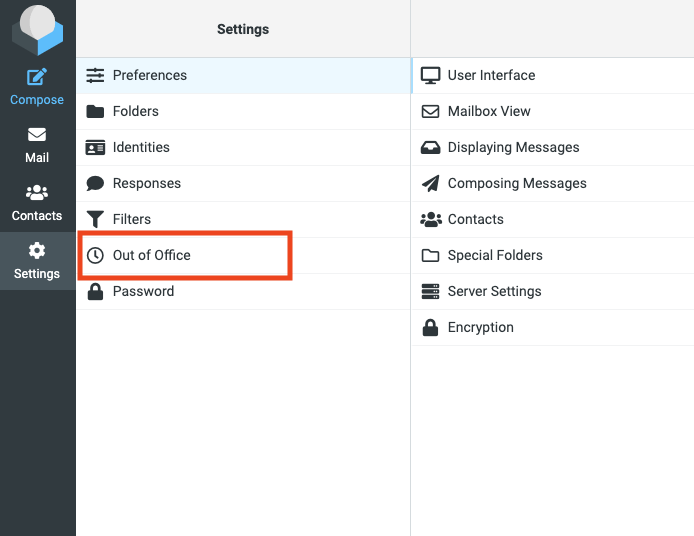
In the menu on the left, choose Settings and then Out of office.
Step 2

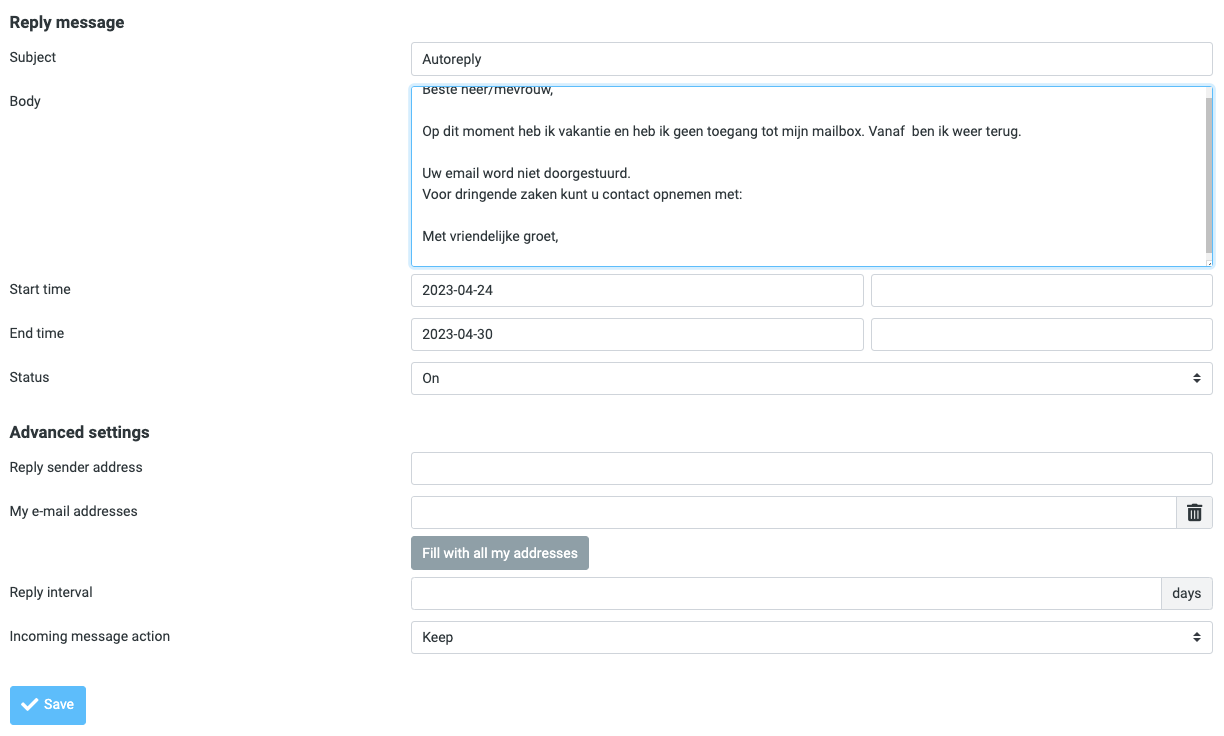
Fill in all the fields here and click save. The out of office message will be lifted automatically on the end date.
Did not find your question?

Start with a ticket

Do you have a question or a problem? Create a ticket. That way we have the full picture right away and can get to work quickly.

Is your question urgent?

Create a ticket first, then call our service desk. We will prioritise your ticket right away.

010 669 07 55