

How does the SEO tool work?
SEO tool step by step
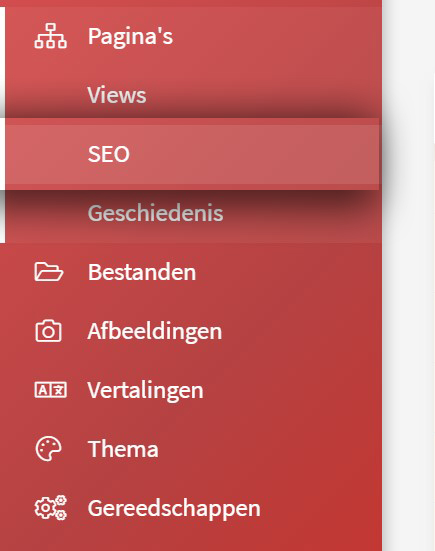
1. In the menu on the left, click Pagina's.
2. Then click Seo.
A page now appears with all the standard and dynamic pages of your website. You see which page it is, what the title of the page is, the priority assigned to it, the frequency, the SEO score, an index option and the option to edit through the orange pencil icon. Below we explain what you can do with all of this.
3. On one of the rows, click edit. You will see the following page.
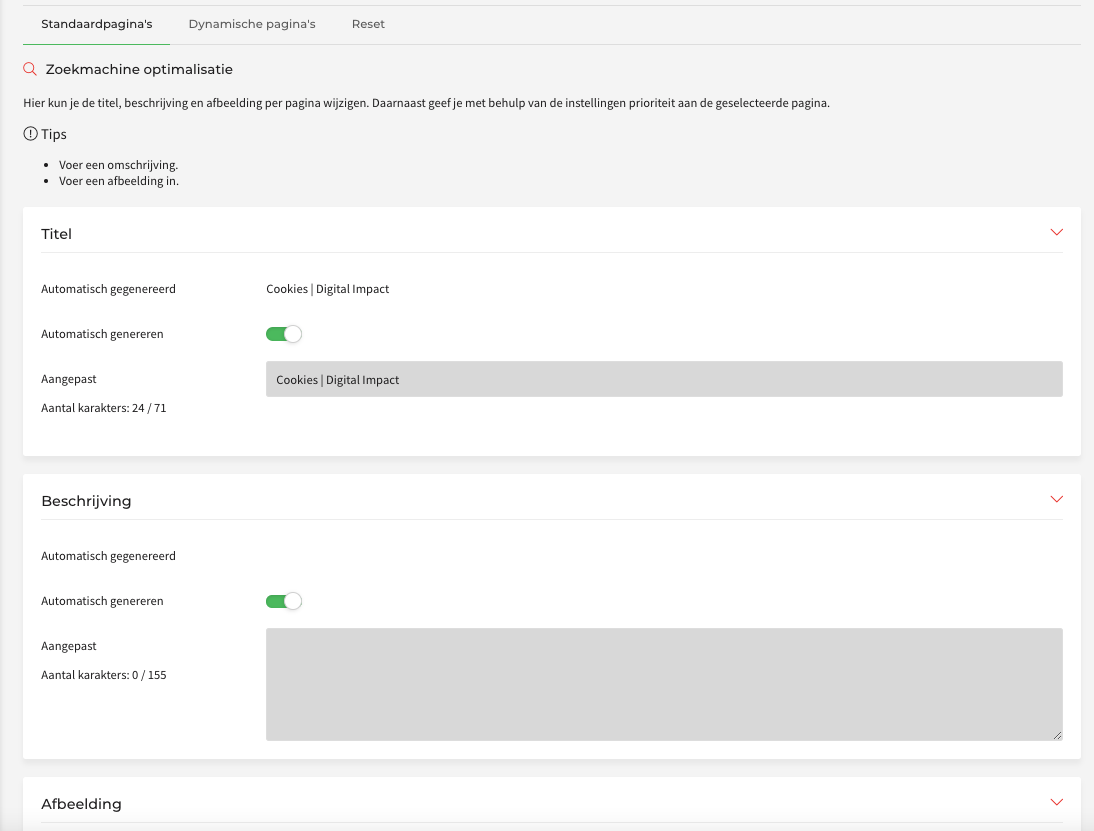
The page above is divided into four parts:
Title
4. Tick "Nee" for automatic generation.
5. Edit the automatically generated title. Make sure the title is not too generic and not too long (roughly 8 words), and put the most important word as close to the front as possible. For example: Websites, webshops en online software | Digital Impact B.V. for the Digital Impact homepage.
Description
6. Tick "Nee" for automatic generation.
7. Fill in a description and make sure it is appealing and persuasive. The most important search term should appear once or twice, because Google puts it in bold, which makes it stand out. Come up with a separate, relevant description for every page. For example: As a full-service internet agency in the heart of Rotterdam, we have been delivering websites, webshops and online software for ten years.
Image
8. Tick "Nee" for automatic generation.
9. Add an image to your page. The image you add is not visible in Google, but it is the moment someone shares a link through Facebook, WhatsApp or other social media.
Settings
10. Indexing - if you want Google to show this page in the search results, tick "Ja".
11. Priority - divide this up sensibly. Pages that visitors need to be able to find more often get a high priority; pages that matter less can be given a lower priority.
12. Frequency - let Google know how often you update your page. Do you post something new every week? Set the frequency to weekly and Google will come back to reassess your page every week.
13. Click save to confirm the changes.
Good to know:
- The pages in the Seo main menu are sorted by SEO score. The pages with a failing score are at the top. Those need attention.
- The index option can easily be ticked and unticked from the Seo main menu.
- When filling in texts and titles it matters that you pick the right words. Use Google Analytics, Google Keyword Tool or Google Trends to work out which words visitors use to end up at your website.
- SEO is never finished! Once all the pages you want have titles and descriptions, it remains important to keep an eye on keywords. The most effective words can change.