

How do I change my password?
If you want to change your current password, follow these steps:
- To change the password of your account, log in to GoFlo.
- Click your name at the bottom left and a new menu will appear.
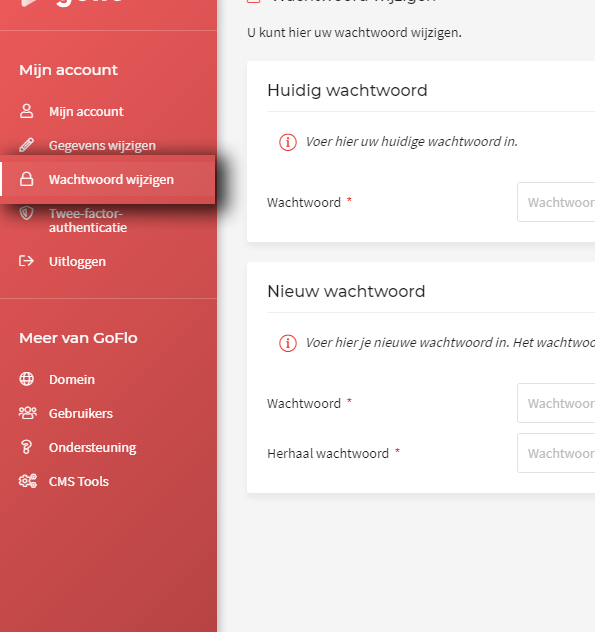
- Then click "Wachtwoord wijzigen".
- Follow the steps on screen.
- Finally, click "Opslaan"
Your changes have been saved and your password has been updated.
Please note: if you have forgotten your password but you are still logged in automatically, for example, log out first and click "Forgot your password?"