

How do I change my details?
To change details such as your name, email address or profile picture, log in to GoFlo and click your name at the bottom left of the screen.
The next screen shows an overview of the details we have linked to your profile. On the left-hand side of the screen you will now see several options under "Mijn account".
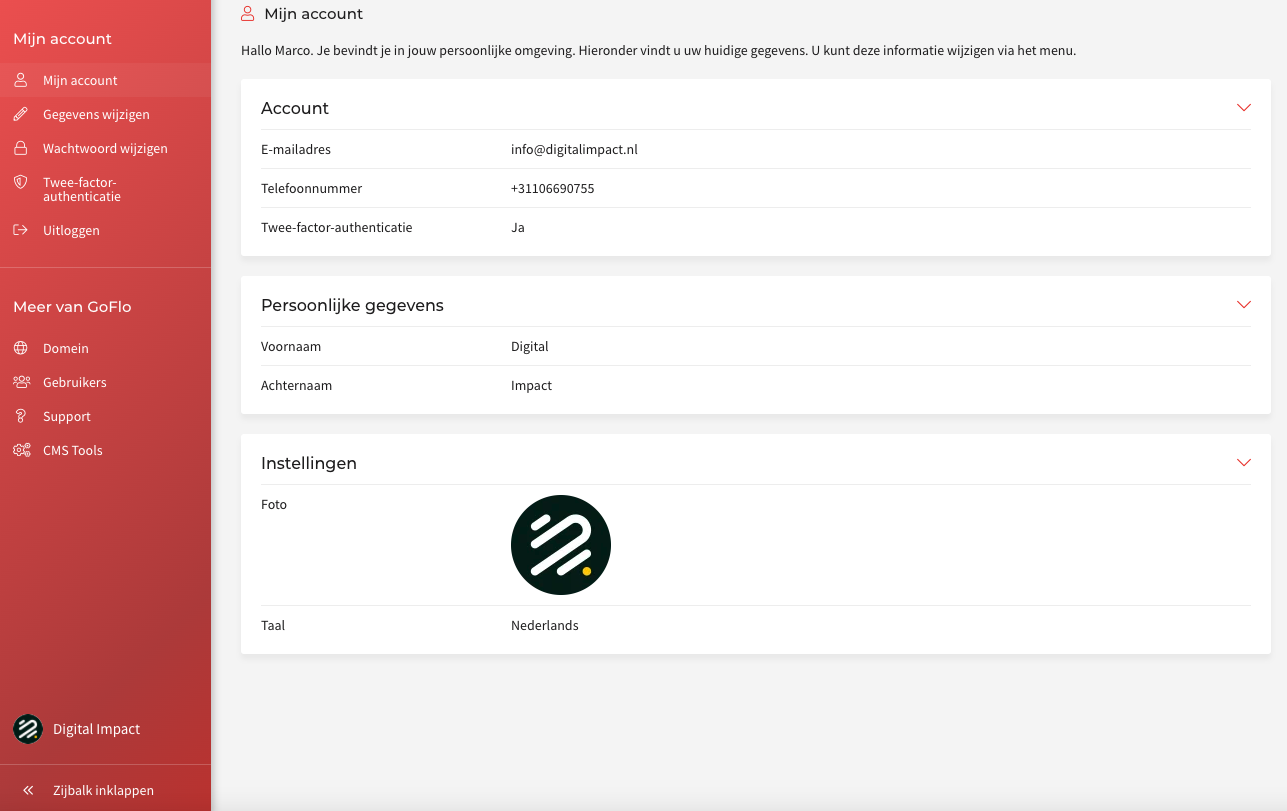
Now click "Gegevens wijzigen" to edit your details.